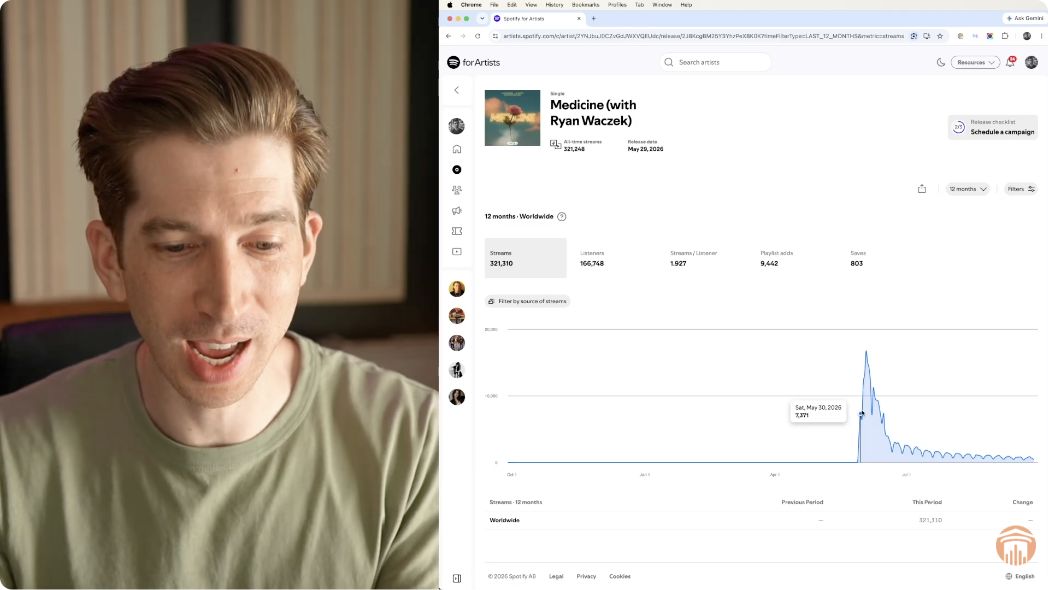
ToneDen Is Shutting Down: How to Move Your Links to SubmitHub Links

ToneDen smart links stop working on December 1, 2026. Here’s how I moved my pages to SubmitHub Links, and the checklist I’d use to make sure your ads and profiles don’t point to a dead link.
ToneDen is shutting down its standalone platform on December 1, 2026. On that day every ToneDen smart link stops working. Your Meta ads, your link in bio and any old post that points to a ToneDen page will lead nowhere.
I’ve used ToneDen for more than six years, going back to when I lived in San Diego, so I’m in the same boat. I’m moving everything to SubmitHub Links. It’s free, and it has an importer that rebuilds a ToneDen page from its URL in about a second.
Disclosure: This isn’t sponsored. I’ve used SubmitHub Links for a while now, including for my clients, and it was the natural choice when I heard ToneDen was closing.
How do I move my ToneDen links before December 1?
Rebuild each ToneDen page somewhere else, then replace the old URL everywhere you’ve used it. In SubmitHub Links that means clicking New link, then Import, choosing ToneDen and pasting the old URL. Check the new page’s links, labels and Meta pixel, then update your ads and profile links before ToneDen’s links stop working on December 1, 2026.
What happens to your ToneDen links on December 1?
According to ToneDen’s shutdown FAQ, all smart links stop working on December 1, 2026, and your account data is permanently deleted. The last day to request a copy of your data is November 30, 2026.
One exception: ToneDen accounts connected to Eventbrite (eb.toneden.io) aren’t affected. If that’s how you use ToneDen, you may not need to move anything. Check the FAQ to be sure.
For everyone else, two kinds of links need attention:
- Ad destinations. If a Meta ad sends people to a ToneDen page, that ad will send people to a dead page.
- Organic links. Your bio links, YouTube descriptions, pinned posts and anywhere else you’ve shared a ToneDen URL.
Why I picked SubmitHub Links
SubmitHub Links is free to use (you just need a free SubmitHub account). Paste a Spotify link and it builds a full streaming landing page automatically, the same way ToneDen did. ToneDen had more link types, and that’s a fair point in its favor. For the pages I actually use, though, SubmitHub Links is right there, and in some ways I like it better.
The deciding feature is the ToneDen importer. You paste your old ToneDen URL and it rebuilds the page for you, so you don’t have to recreate each one by hand.
How to import a ToneDen page into SubmitHub Links
- Open your ToneDen page and copy its URL.
- In SubmitHub Links, click New link, then Import.
- Make sure ToneDen is selected as the source, paste the URL and hit Save.
- Check the result: the title, the URL, the image and every destination link.
- Tidy up any button labels, then save again.
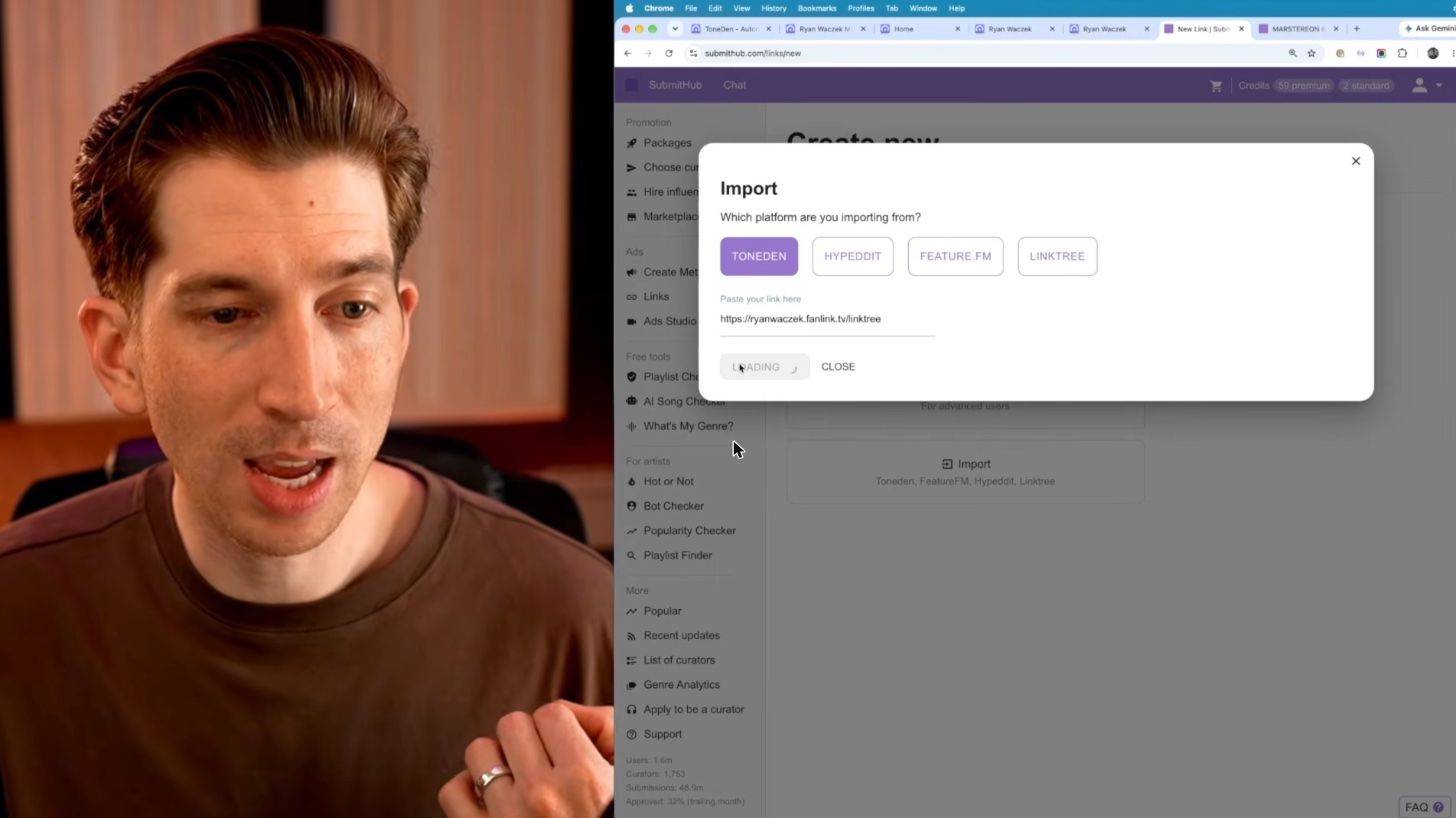
I tested this on three different kinds of pages. Here’s how each one went.
A link-in-bio style page
One thing I liked about ToneDen was that it almost had a Linktree built in. I’d made a page that was just a list of buttons: my Spotify artist profile plus a few links to Indie Music Academy programs. It’s not a traditional stream-link page, so I wanted to see how the importer handled it.
It was basically instant. It copied the title and URL, rebuilt the list of links exactly as I had it in ToneDen and even brought over the image I’d uploaded to ToneDen.
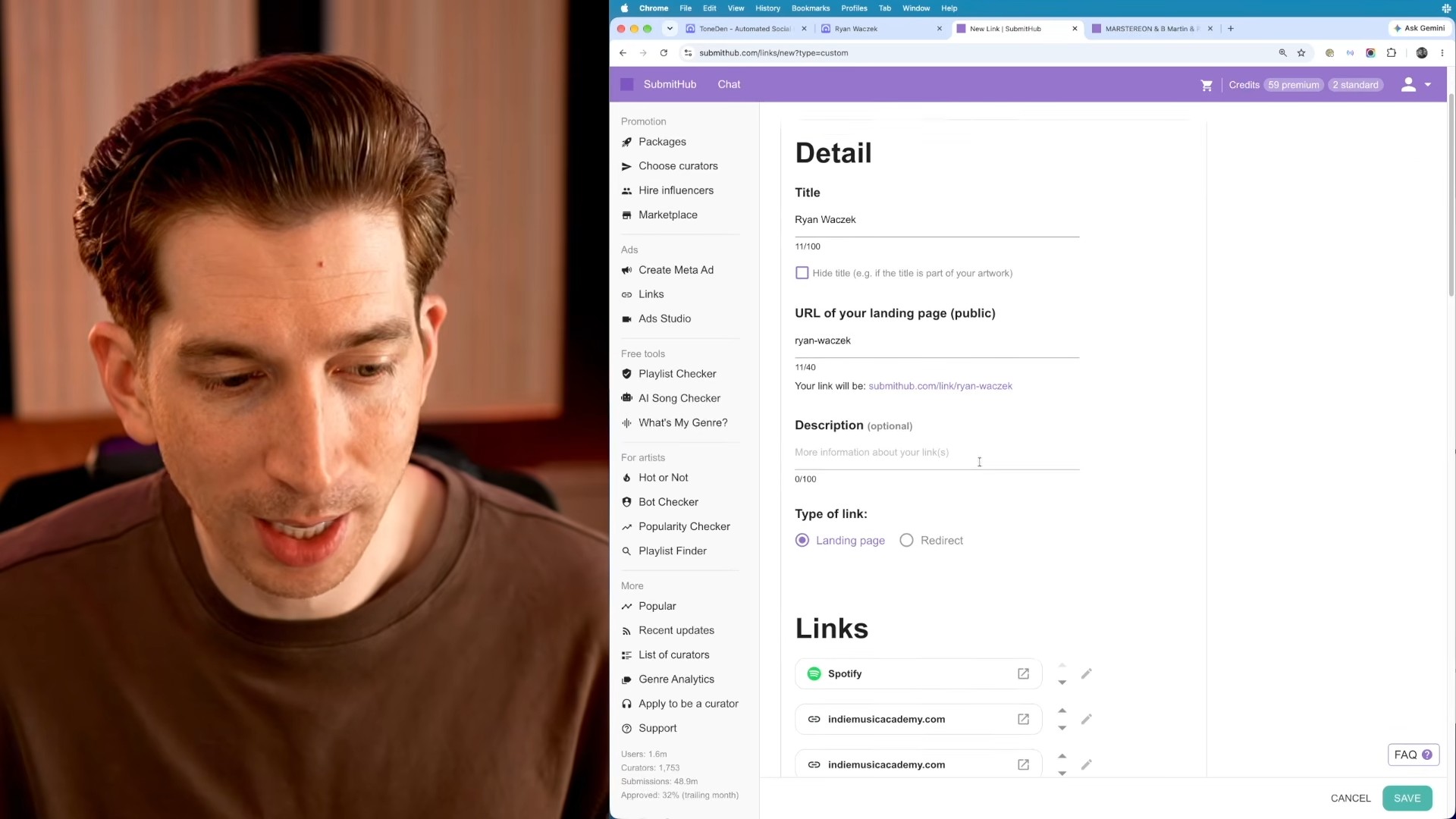
The only cleanup was the button labels. The imported page showed “Indie Music Academy” on three different buttons, which doesn’t tell anyone where they’re going. To fix a label, click Edit, scroll down to the link, add a title (I typed “Get More Fans Challenge”) and save. Back on the overview, the new label shows up.
A song landing page
Next I imported the page for my song “Home,” a standard page with the artwork and a list of streaming services. Within about a second SubmitHub Links pulled in the name, the URL, the image and all the destinations. I checked each one: Spotify went to the track, and Apple Music, Amazon Music and the YouTube video were all correct.
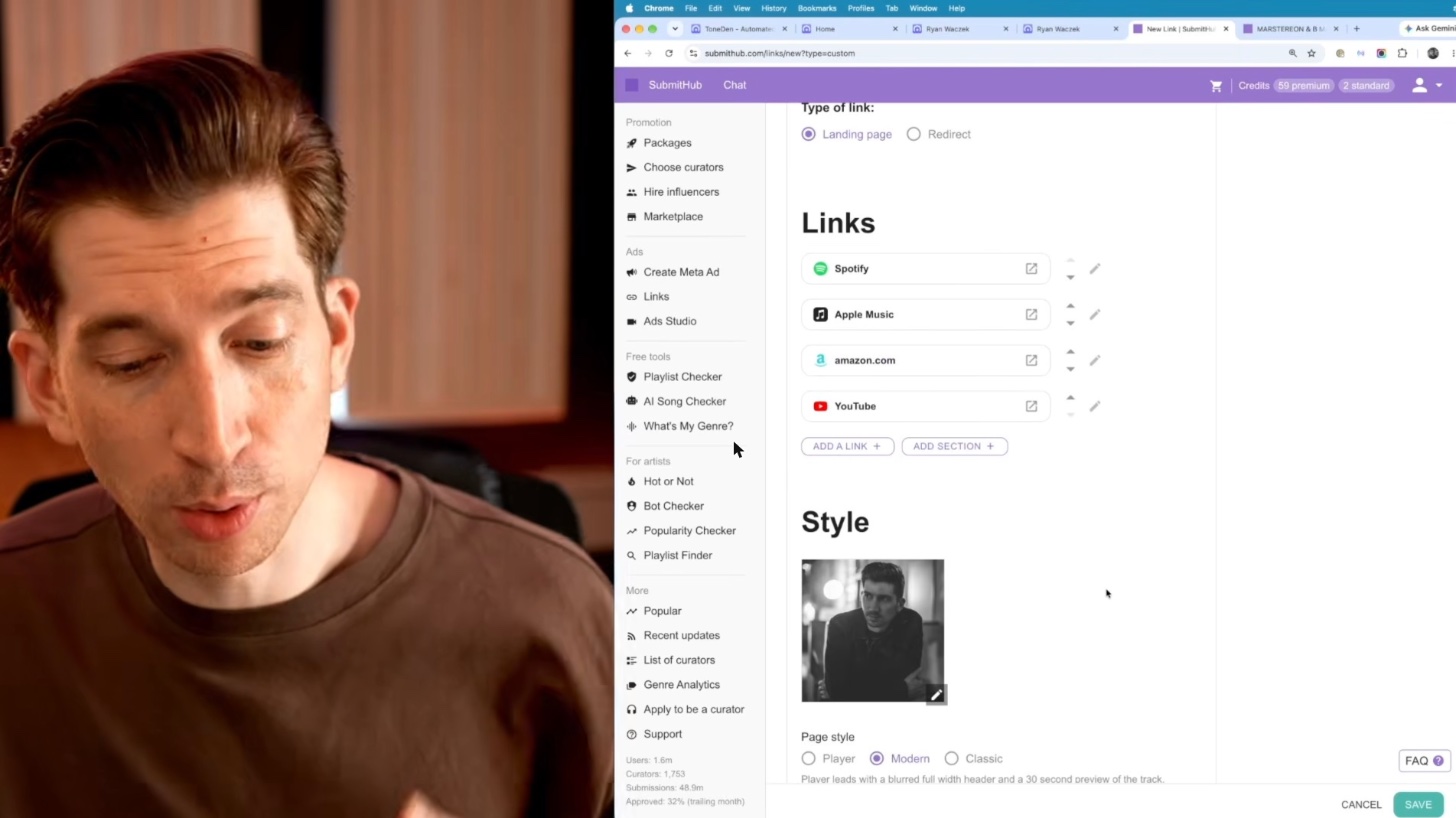
If you’re starting a new song page rather than moving an old one, you can skip the importer and just paste a Spotify link into New link.
An artist profile page
The last test was one I hadn’t tried before filming: a page that isn’t tied to any song. It links to my website and my artist profiles, from Spotify and Apple Music down to my YouTube channel. The importer recreated it correctly, so now I have a general page I can use anywhere.
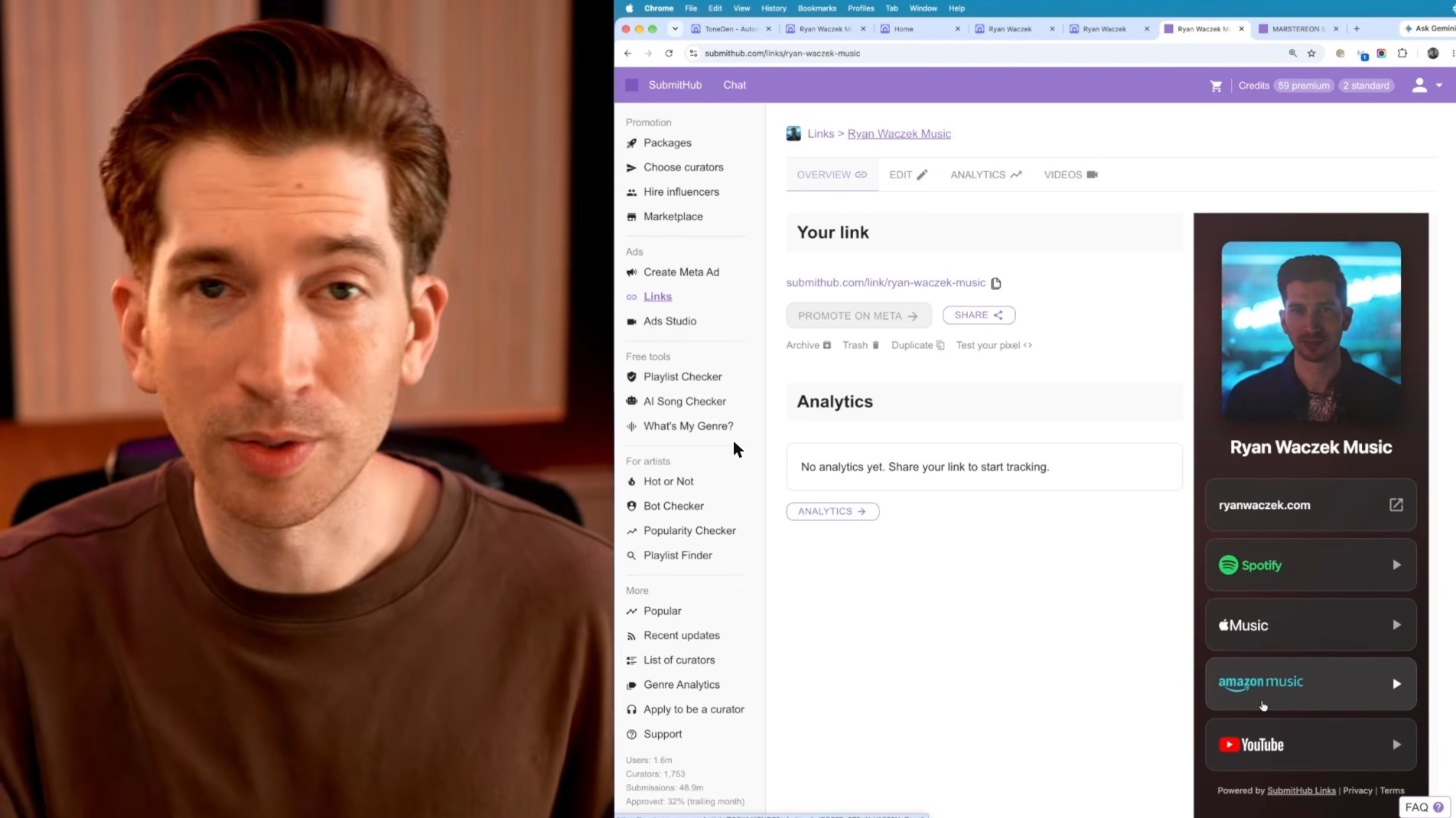
On that page I also edited one button to say “Get my secret album for free” and added a subtitle for a link that isn’t available on streaming. After refreshing, it looked great.
Does your Meta pixel transfer?
In my imports, yes. My pixel ID came over from ToneDen with each page, so the new pages were ready to drop into my ad campaigns without re-entering it. Still, open each imported page and confirm the pixel is there before you point an ad at it. If you build a page from scratch instead, SubmitHub Links has an option to include a Meta pixel when you edit the page.
Your ToneDen migration checklist
- List every ToneDen link you use: ads, bios, video descriptions, pinned posts and emails.
- Import each page into SubmitHub Links while your ToneDen pages are still live.
- Click every destination on each new page and fix vague button labels.
- Confirm your Meta pixel is on any page you’ll use in ads.
- Replace the ToneDen URL in each Meta ad with the new page.
- Update your organic links.
- If you want a copy of your ToneDen data, request it by November 30.
Common questions
When exactly does ToneDen shut down?
December 1, 2026. That’s when ToneDen smart links stop working and account data is deleted, according to ToneDen’s shutdown FAQ. November 30 is the last day to request a copy of your data.
Is my Eventbrite-connected ToneDen account affected?
No. ToneDen says accounts connected to Eventbrite aren’t affected, and those tools stay available at eb.toneden.io. Only the standalone ToneDen platform is closing.
Is SubmitHub Links free?
Yes. You need a free SubmitHub account to use it. That’s a big part of why it’s my pick to replace ToneDen.
Do I have to rebuild every ToneDen page by hand?
No. SubmitHub Links has a ToneDen importer: paste the old URL and it rebuilds the page with its title, image and links. Plan on a quick review afterward to check destinations and rename any unclear buttons.
Ready to put these pages to work?
A landing page is only half the job. The other half is sending the right people to it. If you want to run ads for your music, that’s what the Get More Fans Challenge covers. It’s a 5-day live workshop (not a course) where I show you how to set up a Meta campaign to promote a song or album, grow a mailing list or sell tickets to a show. It’s intense and it may not be right for everyone. But if you don’t have a traffic or marketing strategy for your music yet, it’s one of the best places to start.
For a broader look at paid promotion, read How to Advertise Your Music.